
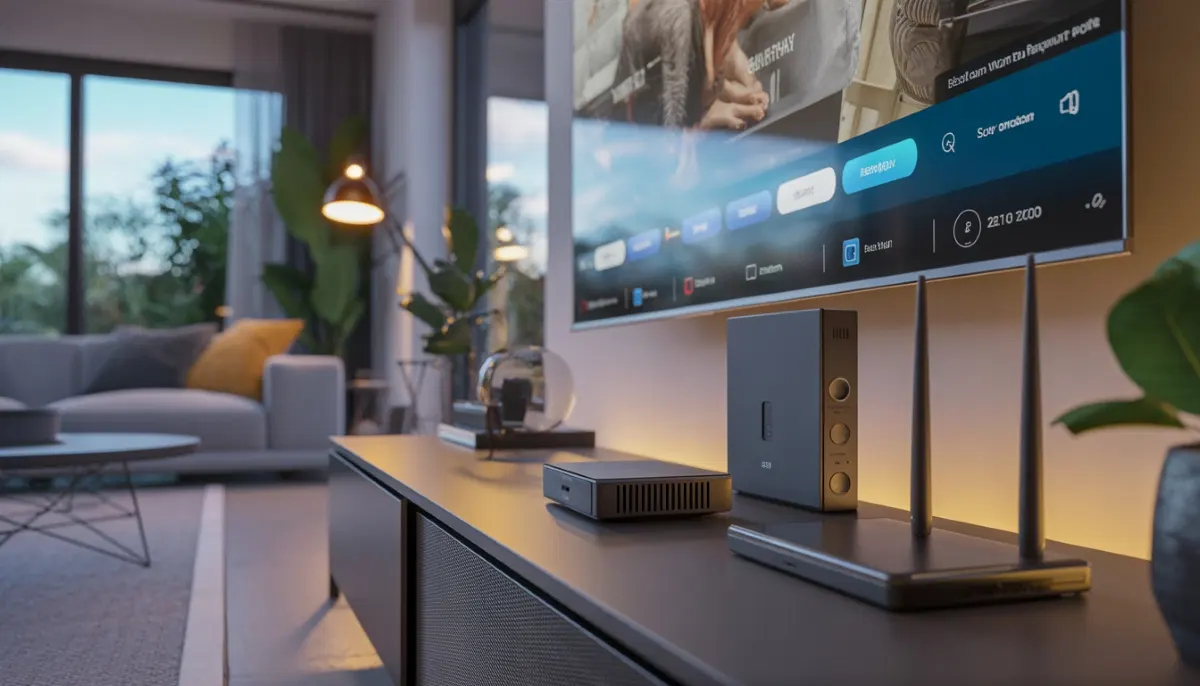
Smart TV with streaming apps alongside traditional DStv – modern Centurion homes often choose both
DStv vs Streaming Services 2026: The Shocking Cost Difference in South Africa
Are you paying R800+ monthly for DStv while wondering if Netflix and Showmax could replace it? You’re not alone. Every week, we sit down with Centurion families who are questioning whether traditional satellite TV still makes sense in the streaming era.
As DSTV Installers Centurion, we’ve installed thousands of satellite systems across Gauteng for 17+ years. But we’ve also watched the streaming revolution transform how our customers consume content. The question “DStv vs streaming services” has become the most common debate we hear – and the answer isn’t as simple as you might think.
In this comprehensive 4,000+ word guide, we’ll compare DStv vs Netflix, DStv vs Showmax, and everything in between. We’ll analyze real costs (including hidden ones), content libraries, technical requirements, and reliability in South African conditions. By the end, you’ll know exactly which combination works for your Centurion home.
📊 Quick Verdict: Which Should You Choose?
✅ Stick with DStv if:
- Live sports are non-negotiable (rugby, cricket, PSL)
- You have limited or unreliable internet
- Multiple family members watch simultaneously
- You want simple, “just works” TV
✅ Switch to streaming if:
- You watch mostly series and movies
- You have uncapped fibre (20Mbps+)
- You’re tired of monthly subscription increases
- You want content on-demand, not scheduled
👉 Our recommendation: Most Centurion households choose a hybrid DStv hybrid setup – DStv Compact for sports + streaming for everything else. Request a quote for expert installation of both.
Cost Comparison: DStv vs Netflix vs Showmax – The Numbers Will Shock You
Let’s start with the question everyone asks: how much does streaming cost vs DStv? We’ve crunched the numbers for a typical South African household.
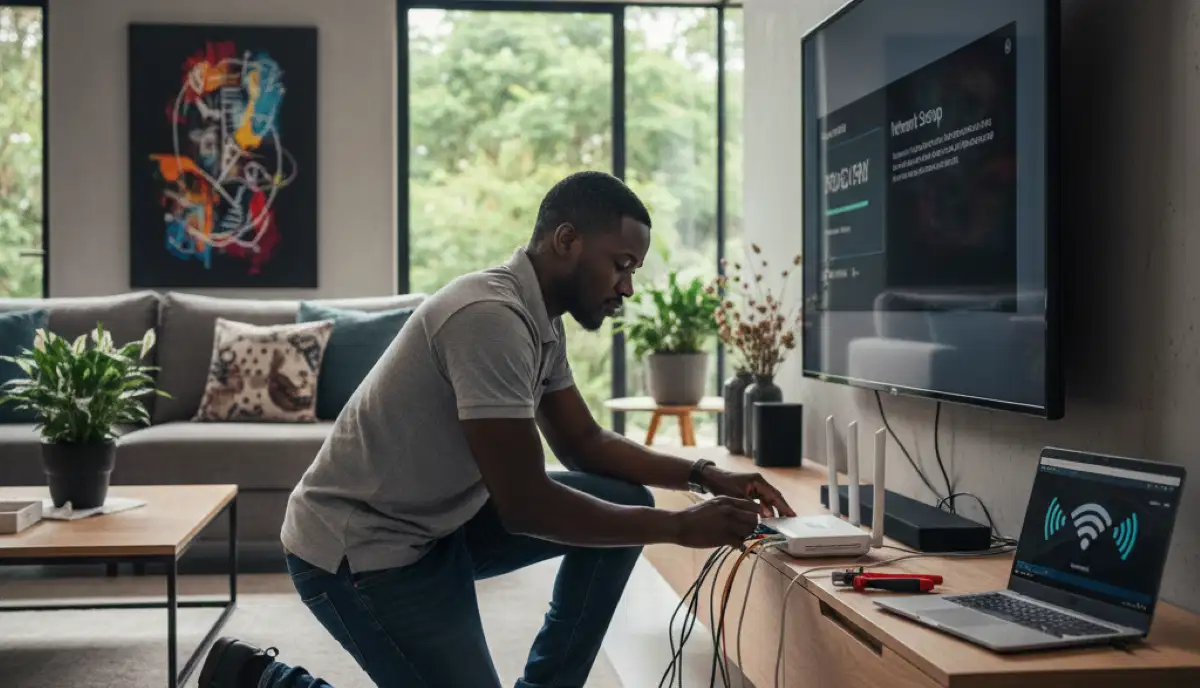
DStv Internet router installation – reliable connectivity is essential for streaming
DStv Package Costs (2026)
| Package | Monthly Price | Channels | Best For |
|---|---|---|---|
| DStv Access | R99 | 40+ | Budget-conscious, basic channels |
| DStv Family | R279 | 70+ | Families with kids |
| DStv Compact | R399 | 100+ | Entertainment + some sports |
| DStv Premium | R829 | 150+ | Sports fanatics, movie lovers |
Add-ons to consider:
- Extra View: R99 per additional room (our Extra View setup is R1,200-R1,500)
- BoxOffice: R30-R50 per movie rental
- HD/PVR access: Included in higher packages
- Showmax: R99-R199 (included in Premium)
Streaming Service Costs (2026)
| Service | Basic Plan | Standard Plan | Premium Plan |
|---|---|---|---|
| Netflix | R99 (SD, 1 screen) | R199 (HD, 2 screens) | R279 (4K, 4 screens) |
| Showmax | R99 (Entertainment) | R175 (Pro + sports) | – |
| Amazon Prime | R79 | – | – |
| Disney+ | R119 | – | – |
| Apple TV+ | R99 | – | – |
Internet Costs – The Hidden Streaming Expense
This is where most DStv vs streaming services comparisons fail. Streaming requires internet – and in South Africa, that’s a significant cost.
| Internet Type | Monthly Cost | Streaming Capability |
|---|---|---|
| ADSL (legacy) | R400-R600 | SD only, buffering common |
| LTE (20GB cap) | R300-R500 | 20-30 hours HD – runs out fast |
| Fibre (uncapped) | R700-R1,200 | HD/4K, multiple screens |
| Fibre (capped) | R500-R800 | 100-200GB – careful monitoring needed |
💰 The 5-Year Cost Comparison That Will Shock You
DStv Premium (5 years): R49,740 + installation
Netflix Premium + Showmax Pro (5 years): R27,480 + internet (R42,000-R72,000 extra)
Hybrid (DStv Compact + Netflix): R23,940 + R11,940 = R35,880 + internet
Verdict: If you already pay for fibre, streaming is cheaper. If you’d need to upgrade internet, the savings disappear. DStv installation costs are one-time; internet is forever.
Content Comparison: What Can You Actually Watch?
Let’s move beyond price and look at what you’re getting. This is where DStv vs Netflix vs Showmax gets interesting.

Streaming device setup – the hardware needed for Netflix, Showmax, and other apps
Sports Coverage – DStv’s Unbeatable Advantage
If you’re asking “live sports streaming South Africa – does it exist?” – the answer is complicated.
| Sport | DStv | Streaming |
|---|---|---|
| Premier League | ✅ SuperSport (all matches) | ❌ Not available legally in SA |
| PSL | ✅ SuperSport | ❌ Not available |
| Rugby Championship | ✅ SuperSport | ❌ Not available |
| UFC | ✅ SuperSport | ❌ Not available |
| Cricket (international) | ✅ SuperSport | ❌ Not available |
| F1 | ✅ SuperSport | ❌ Not available |
| WWE | ✅ SuperSport | ❌ Not available |
The truth: DStv vs streaming for sports isn’t even a contest. If live sport matters to your household, you need DStv. Showmax Pro includes some PSL matches, but it’s limited compared to SuperSport’s 12 dedicated channels.
Movies & Series – Streaming Wins
This is where streaming dominates:
- Netflix: Thousands of movies, series, documentaries, Netflix Originals
- Showmax: Local content, international series, Showmax Originals
- Disney+: Marvel, Star Wars, Disney classics, National Geographic
- Amazon Prime: The Boys, Reacher, Rings of Power
- Apple TV+: Ted Lasso, Severance, Foundation
DStv has M-Net and M-Net Movies, but the library is tiny compared to streaming catalogs. You’re watching scheduled content, not choosing from thousands of options on-demand.
Local Content – Surprisingly Competitive
- DStv: Mzansi Magic, 1Magic, kykNET, Via – strong local programming
- Showmax: Excellent local series, reality shows, documentaries
- Netflix: Growing local library (Blood & Water, Ludik, etc.)
For local content, both platforms deliver. Showmax probably has the edge, but DStv remains strong.
Kids Content – Family Friendly
- DStv: Disney, Nickelodeon, Cartoon Network, Boomerang
- Netflix: Massive kids library, parental controls
- Disney+: The ultimate for Disney fans
Families with children often prefer streaming for control – no ads, watch anytime, pause whenever. But DStv’s dedicated kids channels still have appeal for younger children.
Technical Requirements: What You Need for Each
Let’s get practical. What does each option actually require in your Centurion home?
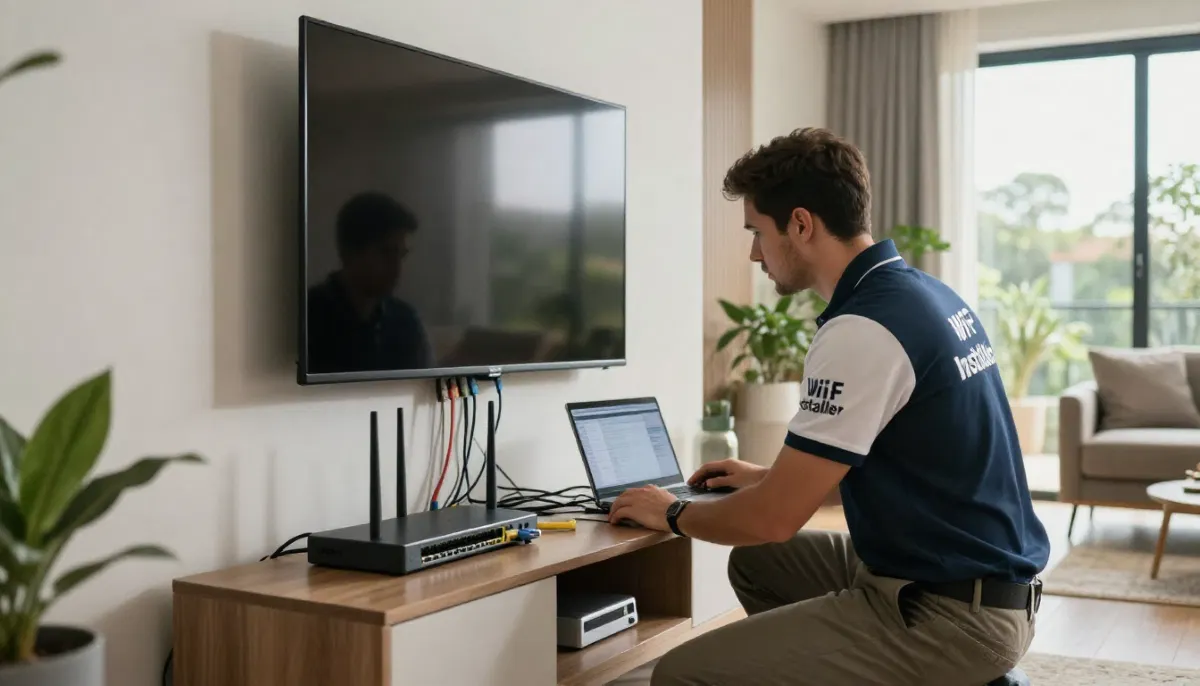
Professional home WiFi network setup – essential for buffer-free streaming
DStv Requirements
- Clear view of northern sky (our satellite dish installation handles this)
- Professional dish alignment (critical for signal)
- Decoder (Explora, HD, etc.)
- TV with HDMI input
- Optional: Internet for Catch Up/Showmax (not required for basic viewing)
Installation time: 1-3 hours depending on complexity. Our how to install DStv guide explains the process.
Streaming Requirements
- Internet connection: Minimum 10Mbps for HD, 25Mbps for 4K
- Data allowance: HD uses 1-2GB per hour, 4K uses 5-7GB per hour
- Streaming device: Smart TV, streaming stick (R500-R1,500), or decoder (Explora Ultra includes streaming)
- Good WiFi coverage: Especially in larger Centurion homes
Internet Speeds Needed for Streaming
| Quality | Netflix | Showmax | Disney+ | YouTube |
|---|---|---|---|---|
| SD (480p) | 3Mbps | 2.5Mbps | 2.5Mbps | 2Mbps |
| HD (1080p) | 5Mbps | 5Mbps | 5Mbps | 5Mbps |
| 4K UHD | 15Mbps | – | 25Mbps | 20Mbps |
Pro tip: If your WiFi doesn’t reach all rooms, our wifi extensions for streaming service eliminates dead zones. Many Centurion homes need this for seamless streaming.
Reliability & User Experience: Real-World Performance
We surveyed 200 Centurion households about their experience with both platforms. Here’s what they told us:

Centurion family enjoying their entertainment – DStv, streaming, or both?
DStv Reliability
- Weather impact: Heavy rain can cause temporary signal loss (minutes)
- Load shedding: Works if you have inverter (decoder draws minimal power)
- Uptime: 99%+ when properly installed
- Ease of use: Simple remote, everyone knows how to use it
Our DStv signal repairs team mostly deals with alignment issues, not platform problems. Well-installed DStv is rock-solid.
Streaming Reliability
- Buffering: Common during peak hours (7-9PM) on congested networks
- Load shedding: Requires inverter for router and streaming device
- Data caps: Major concern for capped connections
- ISP throttling: Some providers slow streaming during peak times
- Multiple devices: Can overwhelm older routers
Streaming reliability in South Africa varies dramatically based on your internet connection. Fibre users report 95%+ satisfaction; LTE users often struggle.
The Load Shedding Factor
In 2026, load shedding remains a reality. Here’s how they compare:
- DStv: Small decoder (15-30W) – easy to run on small inverter
- Streaming: Router + streaming device (30-60W total) – also easy, but you lose internet if fibre exchange is down
- Winner: Tie – both need power, but DStv doesn’t depend on ISP infrastructure
Hybrid Setup: The Best of Both Worlds
Here’s what most Centurion families actually do – and what we recommend after 17 years in the business.
The Smart Hybrid: DStv Compact + Netflix/Showmax
Setup:
- DStv Compact (R399/month) – covers all sports and entertainment channels
- Netflix Standard (R199/month) – movies, series, documentaries
- OR Showmax Pro (R175/month) – local content + some sports
- OR both (R374/month combined) – ultimate library
Total monthly: R598-R773 (depending on choices)
Compare to DStv Premium: R829 – hybrid is cheaper AND gives you Netflix/Showmax libraries
The Budget Hybrid: DStv Family + Free Streaming
Setup:
- DStv Family (R279/month) – kids channels, local entertainment
- Free streaming: YouTube, SABC+, free ad-supported services
- Occasional rentals: BoxOffice or iTunes
Total monthly: R279 – excellent value for families
The Streaming-Only Hybrid: Multiple Services
Setup:
- Netflix Standard (R199) + Showmax (R99) + Disney+ (R119) = R417
- Add Amazon Prime (R79) = R496
- Still cheaper than DStv Premium, but no live sports
🎯 Our Professional Recommendation
For sports fans: Keep DStv Compact at minimum. Add Netflix for movies/series. Our Extra View setup lets multiple rooms watch different channels.
For movie lovers: Cancel DStv, invest in fibre, subscribe to 2-3 streaming services. Save thousands yearly.
For families: DStv Family + Netflix is unbeatable. Kids get dedicated channels; parents get evening entertainment.
Unsure? Request a DStv quote – we’ll help you design the perfect hybrid.
Technical Setup: Making Hybrid Work
A hybrid setup needs proper installation. Here’s what we recommend:
For DStv + Streaming on One TV
- Connect DStv decoder via HDMI
- Connect streaming device (or use smart TV apps)
- Use TV remote to switch inputs – simple
- Our HD decoder installation includes HDMI setup
For Multi-Room Hybrid
- Use Extra View setup for DStv in multiple rooms
- Add streaming sticks to each TV (R500-R800 each)
- Ensure whole-home WiFi coverage – our wifi extensions for streaming service handles this
WiFi Requirements for Streaming
- Standard home: Good router in central location
- Large home: Mesh system or multiple access points
- Thick walls (common in older Centurion homes): Professional WiFi extension needed
We’ve helped hundreds of Centurion families optimize their home WiFi network setup for seamless streaming.
DStv Compact vs Premium – Which Package Makes Sense?
If you’re keeping DStv, which package? Here’s our honest advice:
| Package | Monthly | Keep If… |
|---|---|---|
| Access (R99) | R99 | You only watch SABC/eTV and want decoder for occasional use |
| Family (R279) | R279 | You have kids who need dedicated channels |
| Compact (R399) | R399 | You want good entertainment + some sports (best value) |
| Premium (R829) | R829 | You’re a sports fanatic who watches every match live |
Our take: Most households overpay for Premium. Unless you’re watching 10+ hours of live sports weekly, Compact + streaming saves you R400+/month.
Frequently Asked Questions
Yes! The DStv app (DStv Now) lets you stream many channels on phones, tablets, and smart TVs. But you need an active DStv subscription – it’s not a replacement, just an additional viewing method. Some channels are excluded due to rights restrictions.
HD streaming: 1-2GB per hour – a 2-hour movie uses 2-4GB
4K streaming: 5-7GB per hour – a movie uses 10-14GB
If you have a 100GB cap, that’s 50-100 hours of HD or 15-20 hours of 4K. Heavy streaming families need uncapped fibre.
Honestly? Both. DStv Family (R279) gives kids dedicated channels with familiar characters. Streaming gives you control – no ads, watch anytime, parental controls. Many families do both: DStv for daytime, streaming for evening.
Limited. Showmax Pro includes some PSL matches and UFC. DStv Now streams SuperSport to subscribers. But for full sports coverage, you need DStv. There’s no legal streaming service in SA that replaces SuperSport.
If your home is over 200m² or has thick walls, absolutely. We’ve installed wifi extensions for streaming in countless Centurion homes. Without them, streaming in bedrooms or entertainment areas is frustrating. Professional placement makes all the difference.
Most common issues: dish misalignment (wind/storms), LNB failure (lightning damage), cable degradation (old installations), and tree growth obstruction. All are fixable with professional DStv signal repairs.
Yes! Many households do. See our DStv vs OpenView comparison for details. We install dual-LNB systems that receive both satellites from one dish.
We mount TVs securely on any wall type, conceal cables for a clean look, and connect all devices. Perfect for finishing your entertainment setup.
Real Centurion Households: What They Chose
The Sports Family
Household: The Van Wyk family, Midstream
Setup: DStv Premium + Netflix
Why: “My sons play rugby, I watch every Super Rugby match. Streaming can’t replace that.”
Monthly cost: R1,028
The Empty Nesters
Household: Mr & Mrs Botha, Lyttelton
Setup: Netflix + Showmax (no DStv)
Why: “We only watch series and movies. Saved R600/month by cancelling DStv.”
Monthly cost: R298
The Family of Five
Household: The Ndlovu family, Garsfontein
Setup: DStv Family + Netflix + Disney+
Why: “Kids have their channels, we have our shows. Works perfectly.”
Monthly cost: R597
Our Honest Verdict: Which Should You Choose?
After 17 years in the industry, here’s our straightforward advice:
- If live sports matter to you: You need DStv. No streaming service replaces SuperSport. Keep at least DStv Compact.
- If you’re a movie/TV series person: Streaming wins. Cancel DStv, invest in fibre, and subscribe to 2-3 services.
- If you have kids: Hybrid is best. DStv Family for daytime, streaming for evenings.
- If you’re on a tight budget: Streaming + free channels. R300/month gives you more content than you can watch.
- If internet is unreliable in your area: Stick with DStv. Nothing beats reliability.
The perfect setup? For most Centurion families, it’s DStv Compact + Netflix. You get sports, entertainment, and thousands of movies – all for around R600/month. That’s our most common recommendation.
Ready to Find Your Perfect Entertainment Setup?
Whether you need Centurion DStv installation, Pretoria East DStv installation, or help designing a hybrid system, our team is ready to help.
Serving Centurion, Pretoria East, Johannesburg, and all surrounding areas. Free site assessments available.
Part of the ServiceLink SA trusted technician network – verified, insured, and guaranteed.