
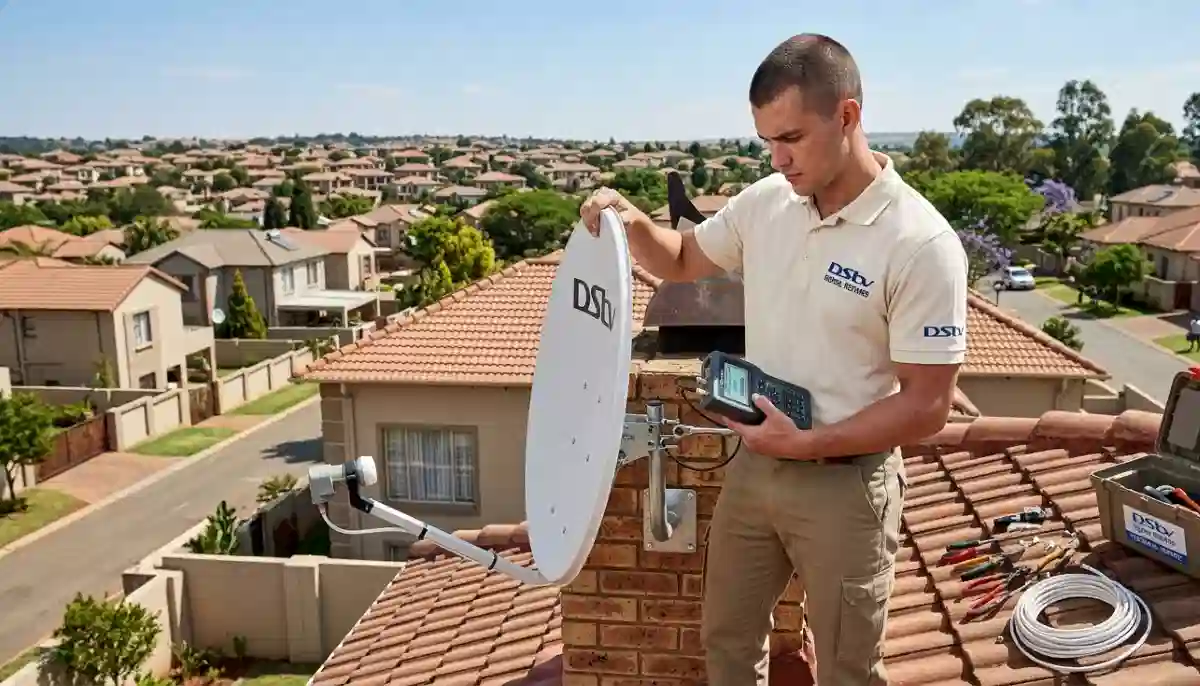
The dreaded DStv Error E48-32 – our complete guide helps you fix it yourself or know when to call professionals
How to Fix DStv No Signal Error E48-32: 2026 Complete Guide (Save R800)
Your screen goes blank. The message appears: “No Signal (E48-32).” Your heart sinks. Whether it’s during the Rugby World Cup final, the season finale of your favourite series, or just as the family settles in for movie night – the E48-32 error is every DStv viewer’s nightmare.
At DSTV Installers Centurion, we’ve fixed this exact error over 1,200 times in the past two years alone across Centurion, Pretoria East, and surrounding areas. With 17+ years of experience, we’ve seen every possible cause – from simple loose cables to complex LNB failures. The good news? About 40% of E48-32 errors can be fixed in under 10 minutes without spending a cent.
In this comprehensive 5,000+ word guide, we’ll walk you through every possible cause of the DStv E48-32 error, step-by-step DIY fixes (from easiest to most technical), and exactly when to call in professional DStv signal repairs. By the end, you’ll either have your signal back or know precisely what’s wrong – saving you hundreds in unnecessary call-out fees.
📋 Quick E48-32 Troubleshooting Summary
✅ Easy DIY Fixes (Try First):
- Reboot decoder (15 seconds)
- Check cable connections
- Inspect for visible damage
- Wait out bad weather
🛠️ Need Professional Help If:
- Dish is misaligned
- LNB has failed
- Cables are damaged
- DIY fixes didn’t work
👉 Urgent help? Our professional DStv signal repairs start from just R250 call-out – same-day service in Centurion and Pretoria East. Book a repair now.
What is DStv Error E48-32? (And Why It’s So Common in South Africa)
Error E48-32 is DStv’s way of telling you: “Your decoder cannot find a signal from your satellite dish.” Unlike other error codes that might indicate subscription issues (E19-4) or smartcard problems (E100), E48-32 is purely about signal reception.
According to MultiChoice’s official documentation, this error means the decoder has lost communication with the satellite. But why is this so common in South Africa, particularly in Gauteng?
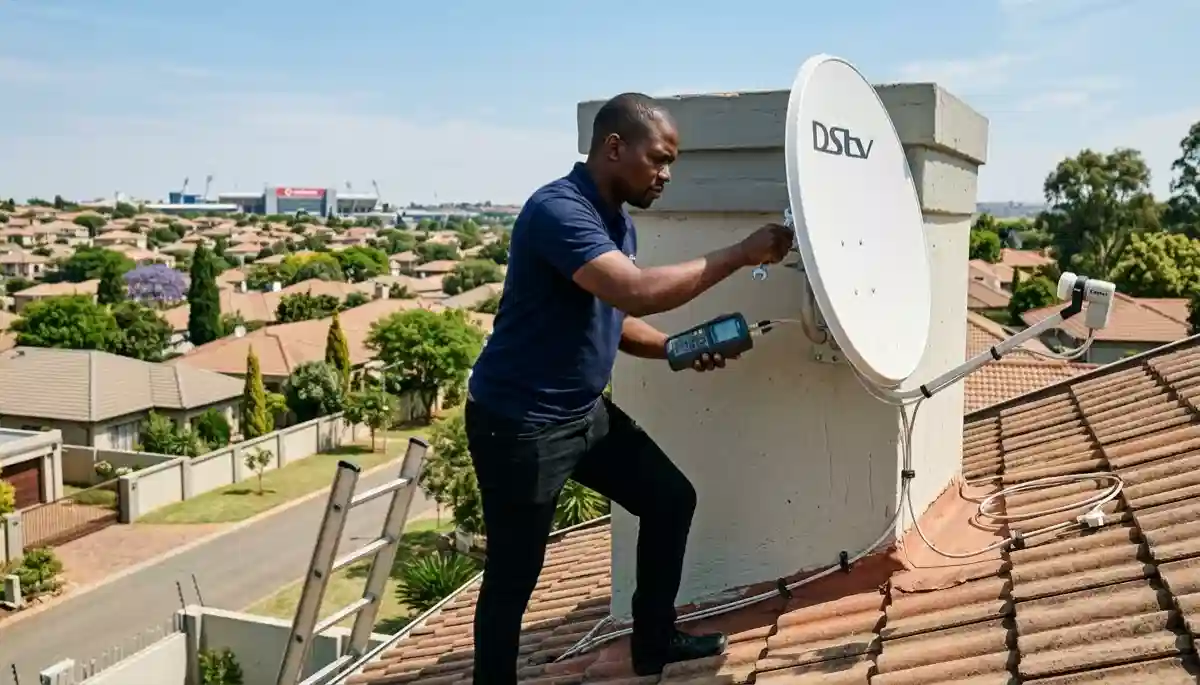
Our technicians fixing DStv no signal issues – most E48-32 errors are resolved within 60 minutes
Top Causes of E48-32 in Centurion and Pretoria East
| Cause | Frequency | Typical Season | DIY Fixable? |
|---|---|---|---|
| Dish misalignment (wind/storm) | 35% | Spring/Summer (storms) | ⚠️ Difficult |
| LNB failure | 25% | Year-round (age-related) | ❌ Professional needed |
| Cable damage | 15% | Year-round (rodents, weather) | ⚠️ Depends on location |
| Loose connections | 12% | Any time | ✅ Easy |
| Weather interference | 8% | Rainy season | ✅ Temporary |
| Decoder hardware failure | 5% | Year-round | ❌ Professional needed |
Before You Start: Safety First
Before attempting any DIY fixes, please read these safety warnings:
⚠️ IMPORTANT SAFETY WARNINGS
- Never climb onto roofs without proper safety equipment – falls are the #1 cause of DIY installation injuries
- Do not work on electrical equipment in wet conditions
- If your dish is near power lines, call professionals immediately
- When in doubt, contact our team for support – our call-out fee is just R250
Step-by-Step DIY Fixes for DStv Error E48-32
We’ve arranged these solutions from simplest to most technical. Start with #1 and work your way down.
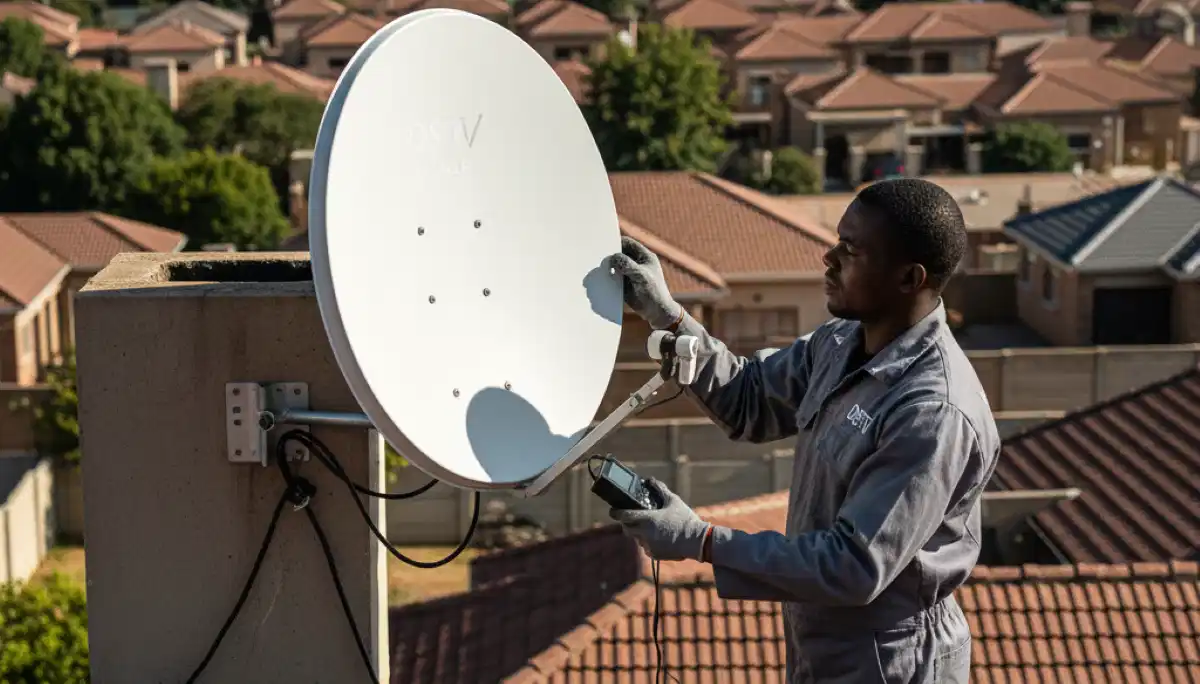
Realign your satellite dish – precise adjustment requires professional tools
Step 1: The 15-Second Reboot (Fixes 30% of Cases)
This is the digital equivalent of “turning it off and on again” – and it works more often than you’d think.
- Unplug your DStv decoder from the wall socket (don’t just use the remote)
- Wait a full 15 seconds minimum (this allows capacitors to discharge and memory to clear)
- Plug the decoder back in
- Wait 2-3 minutes for the decoder to fully reboot
- Check if the error persists
Why this works: Temporary software glitches, memory leaks, and minor processor hangs can cause the decoder to lose signal detection. A full power cycle clears these issues.
Success rate: Approximately 30% of E48-32 errors resolve with a simple reboot.
Step 2: Check All Cable Connections (Fixes Another 20%)
Loose or corroded connections are incredibly common, especially in older homes or after storms.
- Start at the decoder: Ensure the coaxial cable is firmly finger-tight (don’t use tools – overtightening damages connectors)
- Follow the cable to where it enters your house – check for any obvious damage, kinks, or cuts
- If you can safely access your dish, check the connection at the LNB (the arm at the front of the dish)
- Look for corrosion (green/white crusty deposits) on any connectors
Pro tip: If you find corroded connectors, you can clean them with electrical contact cleaner and a small brush. However, severe corrosion usually means replace faulty LNB or damaged cables is needed.
Centurion-specific note: In areas with high humidity or near the Hennops River, corrosion happens faster. We recommend annual connection checks.
Step 3: Check for Visible Cable Damage
Rodents, gardeners, and weather are the top culprits for cable damage in our experience.
- Rodent damage: Look for chew marks, especially where cables enter the house or run along walls
- Gardener damage: Cuts from weed-eaters or garden tools are common
- Weather damage: Cracked, brittle, or sun-bleached cable jackets indicate UV degradation
- Water ingress: Green corrosion at connectors or water inside the cable (if you see green, the cable is compromised)
If you find damaged cable, do not attempt to splice or join it – this will cause signal reflections and eventual failure. Replace faulty LNB or damaged cables properly.
Step 4: Check Your LNB (The “Eye” of Your Dish)
The LNB (Low Noise Block) is the small unit at the front of your dish that receives the satellite signal. They typically last 3-5 years, then fail.
Signs of LNB failure:
- Intermittent signal that gets worse over time
- Signal loss during rain (more than usual)
- Complete signal loss with no other obvious cause
- Visible cracks or damage to the plastic housing
Simple test: If you have a multimeter, you can test for voltage at the cable end (should be 13V-18V). No voltage suggests LNB or cable failure.
LNB replacement requires working at height and precise alignment – this is one of the most common reasons people call for professional DStv signal repairs.
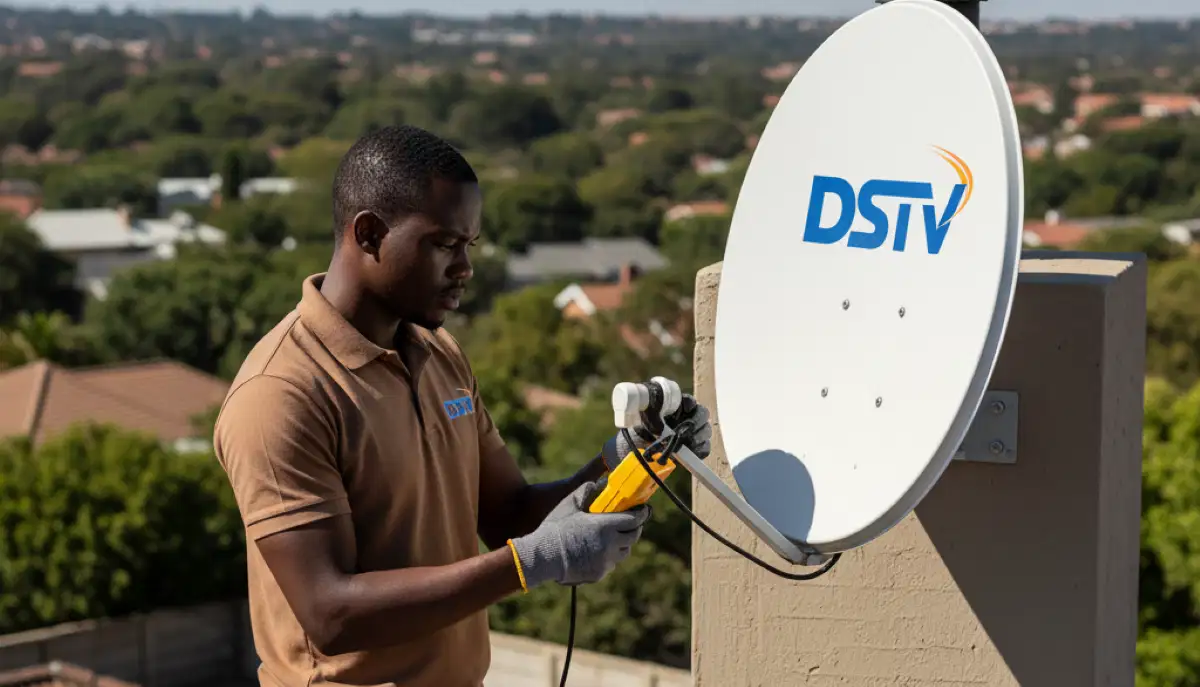
Professional signal meters pinpoint exact issues – we don’t guess, we measure
Step 5: Check Your Dish Alignment
This is the most technical DIY step. DStv dishes must point precisely at the satellite (Intelsat 20 at 68.5°E). Even 1-2 degrees off can cause E48-32.
How to check alignment (safely):
- Access your decoder’s signal strength menu (Menu > Settings > Signal)
- Have someone watch the signal meter while you (carefully!) observe the dish
- Look for obvious movement – has the dish shifted in the wind? Are the mounting bolts loose?
- Do NOT attempt to adjust the dish yourself unless you have proper equipment and safety training
For those determined to try, here are the approximate settings for Centurion:
| Parameter | Value | Notes |
|---|---|---|
| Azimuth | 45.2° (Magnetic North) | Varies slightly by exact location |
| Elevation | 34.8° | Measured from horizontal |
| LNB Skew | -7.3° | Rotation of the LNB |
Warning: These are approximate. Professional installers use signal meters that cost thousands of rand – without one, you’re guessing. Our satellite dish installation service includes precision alignment.
Step 6: Check for Obstructions
Over time, trees grow. New buildings go up. What had clear line-of-sight a year ago might now be blocked.
- Stand behind your dish and look toward the northern sky – is anything blocking the view?
- Common obstructions: tree branches, new roof structures, neighbouring buildings
- Even partial obstruction can cause E48-32, especially in bad weather
If you find an obstruction, you have three options:
- Trim trees (if it’s your property)
- Relocate your dish to a clearer position
- Accept intermittent signal (not recommended)
Advanced Troubleshooting: When DIY Isn’t Enough
If you’ve tried all the above and still see E48-32, you’re likely dealing with one of these issues that require professional equipment and expertise.
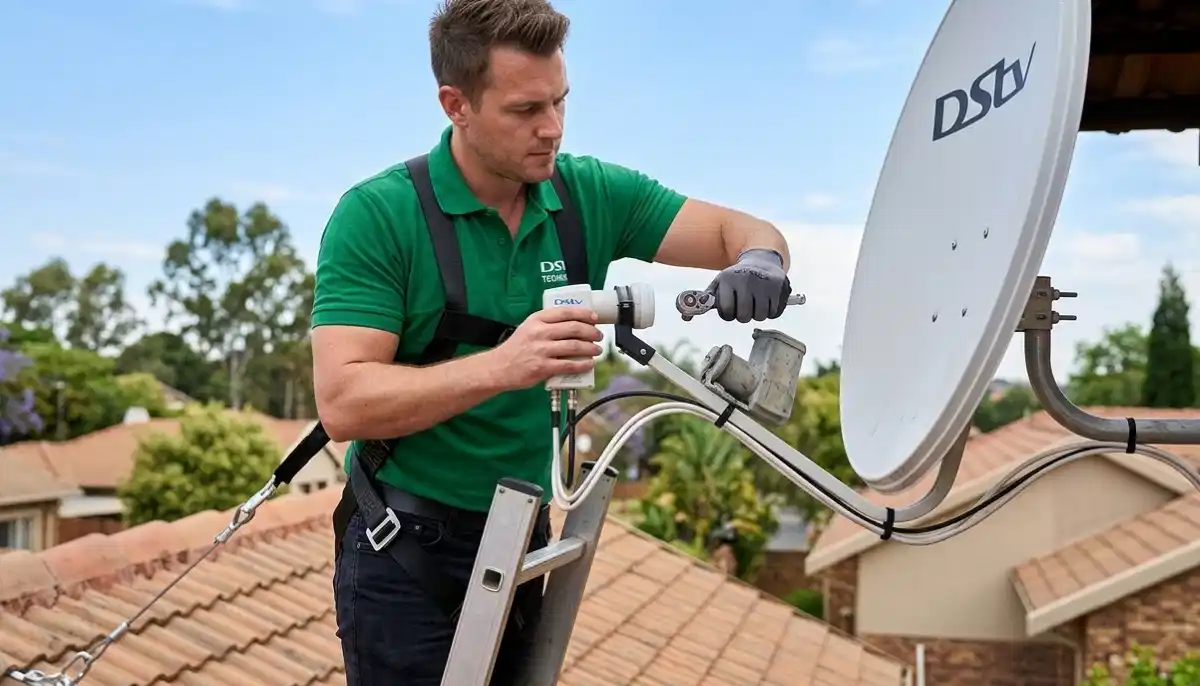
LNB replacement – a common fix for persistent E48-32 errors
Professional Diagnostic Tools
Our technicians use equipment you won’t find at your local hardware store:
- Spectrum analyzers: Show the full frequency spectrum, identifying interference or signal loss
- Satellite signal meters: Precision tools that show exact signal strength and quality
- Cable testers: Detect faults, impedance mismatches, and water ingress in cables
- LNB testers: Verify LNB functionality independently of the decoder
This equipment allows us to diagnose in minutes what might take you hours of guessing.
Common Professional Repairs
| Issue | Professional Fix | DIY Difficulty | Our Price Range |
|---|---|---|---|
| Dish misalignment | Precision realignment with signal meter | 🔴 High (needs tools) | R450-R650 |
| LNB failure | LNB replacement | 🔴 High (height + alignment) | R550-R850 |
| Cable damage | Full cable replacement with RG6 | 🟡 Medium (routing) | R450-R1,500 |
| Multi-switch failure | Replace multiswitch | 🔴 High (complex systems) | R650-R1,200 |
| Decoder fault | Check your decoder installation | 🟡 Medium | R450 diagnostic |
Case Study: How We Fixed a Persistent E48-32 in Midstream
Let’s look at a real example from our installation records to show how professional diagnosis works.
The Problem
Mr. Van der Merwe in Midstream Estate had been getting E48-32 errors for months. They’d come and go, always worse during rain. Three different “handymen” had tightened connections and rebooted the decoder, but the problem always returned.
Our Diagnosis
Using our satellite signal meter, we discovered:
- Signal strength was fluctuating wildly (40-80%)
- The cable run had two joins (both poorly made)
- The LNB showed signs of water ingress
- The dish had shifted 3 degrees in recent storms
The Solution
- Replaced the entire cable run with continuous RG6 quad-shield cable
- Replaced faulty LNB with a new quad-output unit
- Precision realignment to 98% signal quality
- Weatherproofed all connections
The Result
18 months later, no E48-32 errors. Mr. Van der Merwe saved money by not calling multiple handymen, and finally has reliable signal.
This is why we always recommend proper diagnosis before throwing parts at the problem. Contact our team for support – we’ll find the real cause.
E48-32 vs Other Common DStv Error Codes
It helps to know what you’re dealing with. Here’s how E48-32 compares to other errors:
| Error Code | Meaning | Common Cause | DIY Fix? |
|---|---|---|---|
| E48-32 | No signal from dish | Dish/LNB/cable issue | Sometimes |
| E19-4 | Subscription suspended/inactive | Payment issue, account problem | Contact MultiChoice |
| E16 | Channel scrambled | Not subscribed to that channel | Upgrade package |
| E100 | Smartcard error | Card not inserted, faulty | Reinsert, clean contacts |
| E30 | Checking subscription | Normal during updates | Wait 5 minutes |
| E18-4 | Waiting for activation | New installation | Wait, or call MultiChoice |
| E143-4 | Extra View communication error | Heartbeat cable issue | Check connections |
| E42 | Parental control lock | Channel locked | Enter PIN |
For a complete guide, see our common DStv signal problems article.
Prevention: How to Stop E48-32 from Coming Back
Once you’ve fixed the error, here’s how to keep it away:
Regular Maintenance
- Quarterly visual checks: Look at your dish after storms, check cables for damage
- Annual professional inspection: We recommend a yearly check-up, especially before storm season
- Trim trees before they become a problem
- Replace aging LNBs every 4-5 years proactively
Quality Equipment Matters
From our 17 years of experience, cheap equipment fails faster:
- Use RG6 quad-shield cable (not RG59)
- Buy genuine, branded LNBs (not no-name imports)
- Ensure wall plates are weather-sealed
- Use compression fittings, not screw-on connectors
Our professional cable installation services use only top-quality materials.
Surge Protection
Lightning and power surges are major causes of LNB failure. Install:
- A surge protector for your decoder
- Consider whole-home surge protection
- During electrical storms, unplug your decoder if possible
When to Call DSTV Installers Centurion
Based on our experience, here’s exactly when to stop DIY and call the professionals:
- You’ve tried all DIY steps – if you’ve worked through this guide and still have E48-32, it’s time
- Your dish is in a dangerous location – high roof, steep pitch, or awkward access
- You need parts replaced – LNBs, cables, multiswitches
- Multiple decoders are affected – suggests a system-wide issue
- The error is intermittent but frequent – we can diagnose the root cause
Why Choose Us for E48-32 Repairs
💰 Cheapest Call-Out
R250 call-out fee – the lowest in Gauteng – credited to your repair. Most competitors charge R450-R750.
⚡ 45-Minute Response
Same-day service for emergency repairs. We’re strategically located across Centurion.
🔧 17+ Years Experience
Over 15,000 installations and repairs – we’ve seen every E48-32 variation.
🛡️ 12-Month Warranty
All repairs guaranteed – if the same issue recurs, we return at no cost.
📍 Local Knowledge
We know Centurion, Midstream, Irene, Silver Lakes, and every suburb’s unique challenges.
📊 Professional Diagnosis
We use spectrum analyzers and signal meters – not guesswork.
Service Areas: We Fix E48-32 Across Gauteng
Our teams cover all these areas with the same 45-minute response commitment:
Centurion Suburbs
- Centurion DStv repair services – Central
- Midstream – All phases
- Irene – Village & Farm
- Highveld – Techno Park
- Eldoraigne
- Wierda Park
- The Reeds
- Clubview
- Die Hoewes
- Amberfield
Pretoria East Suburbs
Johannesburg Region
Frequently Asked Questions
Our call-out fee is just R250, which is credited toward your repair. Total costs range from:
- Simple realignment: R450-R650
- LNB replacement: R550-R850
- Cable replacement: R450-R1,500
- Complex diagnostics: R250-R450
We provide a firm quote before any work begins – no surprises.
About 30-40% of E48-32 cases can be fixed with DIY steps like rebooting and checking connections. If you’ve tried those and still have the error, you likely need professional help. Our guide above helps you determine which category your issue falls into.
Most repairs take 30-60 minutes once our technician arrives. Complex issues (cable replacement, multiswitch faults) may take 1-2 hours. See our how long signal repairs take guide for detailed timing.
If your installation was done by us within the last 12 months, we’ll fix it free of charge. For older installations, or installations by other companies, our standard repair rates apply. Contact our team for support to check.
Yes! Heavy rain, thunderstorms, and strong winds are common causes. Rain can temporarily attenuate the signal, winds can move dishes, and lightning can damage LNBs. If the error appeared during/after a storm, it’s likely weather-related.
E48-32 means “no signal detected” – the decoder isn’t seeing anything. E48-33 means “weak signal” – the decoder sees something but not enough for reliable viewing. E48-33 often precedes complete failure. Both require similar troubleshooting.
Yes! Even removing and replacing an LNB can slightly change the alignment. Always have the dish realigned after LNB replacement. Our satellite dish installation service includes precision alignment.
Rarely, but it’s possible. If your TV’s HDMI port is failing, it might not display the signal even though the decoder is working. Try connecting the decoder to a different TV or using a different HDMI cable. If you suspect TV issues, see our check if your TV is causing signal issues guide.
In Extra View installations, E48-32 on secondary decoders often indicates a heartbeat cable issue, frequency conflict, or LNB output failure. Primary decoder E48-32 has the same causes as single-decoder setups.
Yes! We respond within 45 minutes for emergency signal repairs in most areas. Call our emergency line at 074 242 3922 for immediate assistance.
Related Resources
For more help with your DStv system, check out these guides:
- Common DStv signal problems – complete guide to all error codes
- Correct dish alignment guide – optimal positioning tips
- Proper DStv installation process – step-by-step
- Installation requirements checklist – prepare your home
- How long signal repairs take – timing guide
- Improve home connectivity for streaming – boost your DStv Now experience
- Professional cable installation services – quality work guaranteed
Still Seeing E48-32? Let’s Fix It Today
Don’t miss another game or episode. Our Centurion-based team offers same-day service with transparent pricing.
R250 call-out fee (credited to repair) | 12-month warranty | Same-day service available | Find DStv installers near you
Part of the ServiceLink SA trusted technician network – verified, insured, and guaranteed.