
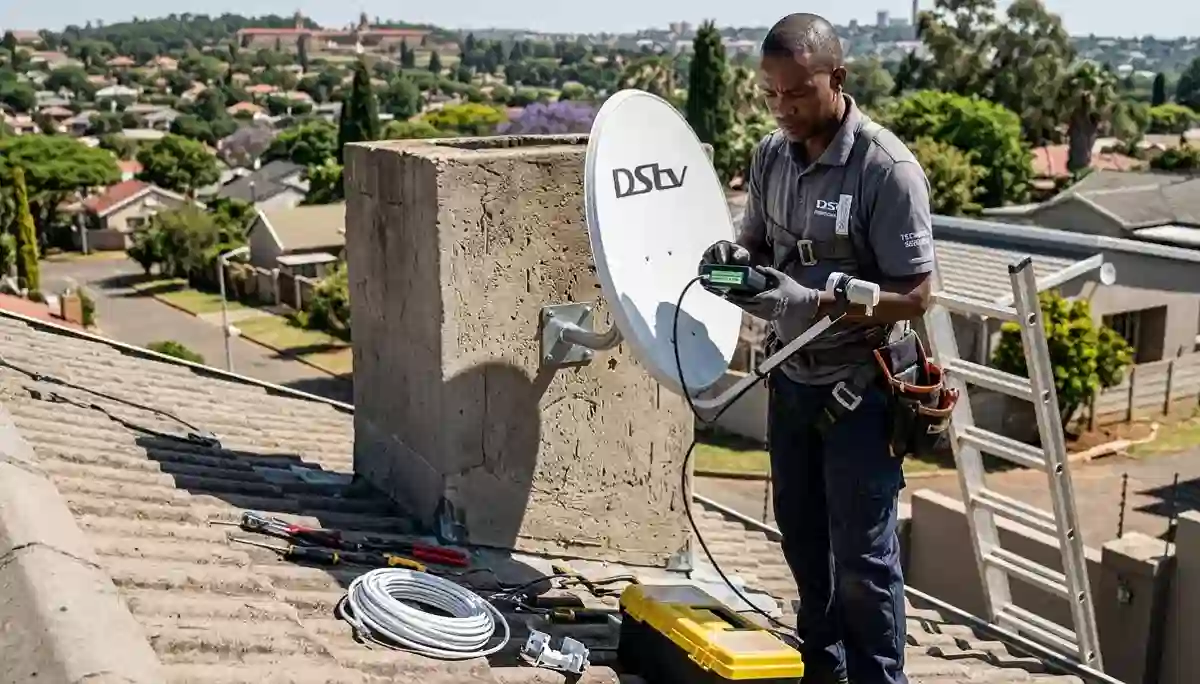
Our technicians fix DStv signal problems daily – here’s how you can solve the top 5 issues yourself.
Top 5 DStv Signal Problems (Fix Them Fast in Centurion) + Expert Solutions
Picture this: It’s the final minutes of a crucial Premier League match, your favorite team is about to score, and suddenly… your screen freezes. Or worse – that dreaded “No Signal” message appears. Sound familiar? You’re not alone. At DSTV Installers Centurion, we’ve diagnosed and fixed thousands of signal issues across Centurion, Pretoria East, and Gauteng over 17+ years.
In this comprehensive guide, we’ll reveal the top 5 DStv signal problems that plague South African households, exactly what causes them, and which issues you can fix yourself versus when you need professional DStv signal repairs in Centurion. By the end, you’ll be equipped to diagnose and solve most common signal issues – and know precisely when to call the experts.
📡 Urgent signal problem? Our 45-minute emergency response is available throughout Centurion. Call 074 242 3922 or request a free quote for same-day repairs. R250 call-out fee – Gauteng’s lowest!
📋 Quick Signal Problem Summary
✅ Common Problems:
- No Signal (E48-32)
- Pixelation / Freezing
- Weather-related loss
- Missing channels
- Audio/Video sync issues
🛠️ Quick Fixes:
- Check connections
- Reboot decoder
- Inspect dish alignment
- Check LNB condition
- Verify subscription
👉 Need expert diagnosis? Contact our team or request a free quote today.
What Is a Good DStv Signal Strength? Understanding the Numbers
Before diving into specific problems, it’s crucial to understand what your decoder’s signal readings actually mean. Most DStv users don’t realize that signal quality is more important than signal strength.
| Reading | Signal Strength | Signal Quality | What It Means |
|---|---|---|---|
| Excellent | 80-100% | 80-100% | Perfect reception – no issues expected |
| Good | 60-79% | 60-79% | Good reception, may pixelate in heavy rain |
| Marginal | 40-59% | 40-59% | Frequent pixelation, especially in bad weather |
| Poor | Below 40% | Below 40% | Constant signal loss – needs professional attention |
Pro tip: You can check your signal readings by going to Menu > Settings > Signal Strength on your decoder. If your quality is below 60%, you’re likely to experience problems. Our correct satellite dish placement guide explains how to improve these readings.
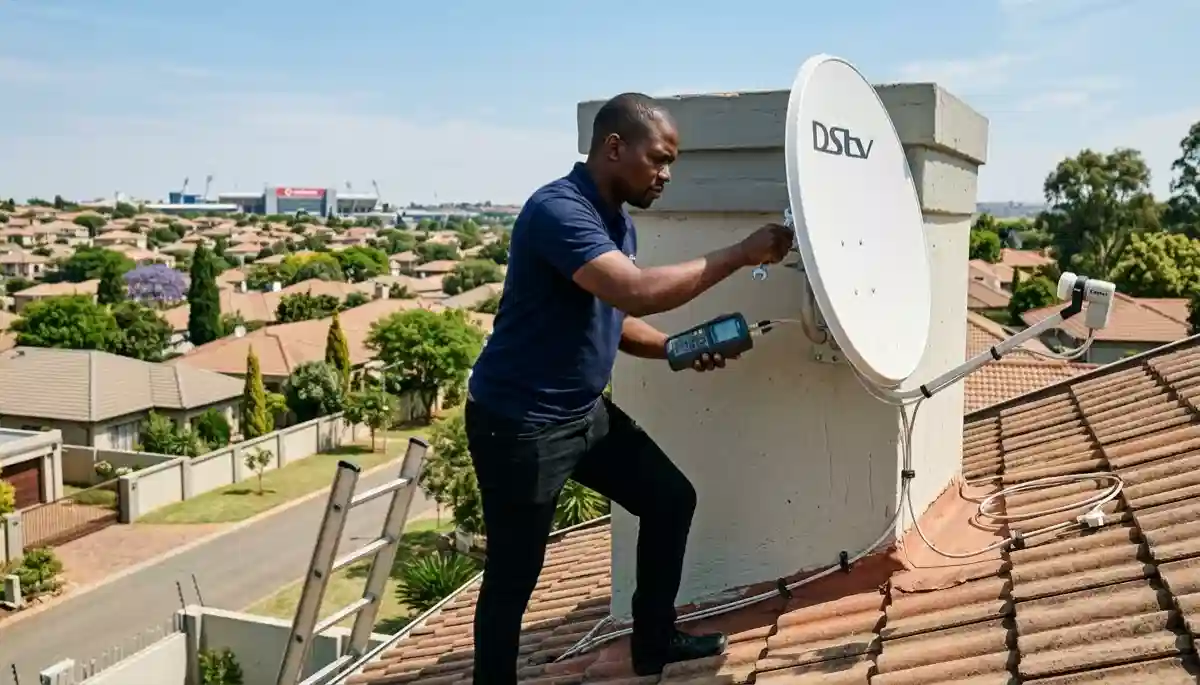
Troubleshooting no signal issues – 40% are fixed with simple DIY steps
Problem #1: The Dreaded “No Signal” Message (E48-32)
This is the most common panic-inducer: You turn on your decoder only to be greeted by the frustrating “No Signal (E48-32)” message. Before you despair, let’s troubleshoot systematically.
What Causes E48-32?
- Loose cable connections – at the dish, LNB, or decoder (most common)
- Power outages affecting your decoder’s memory
- Physical obstruction – new tree growth, building construction, or storm debris
- Faulty LNB – the “eye” of your satellite dish (typical lifespan 3-5 years)
- Dish misalignment – wind or accidental bumps can shift your dish
DIY Fixes to Try (In Order)
- Check all connections: Ensure every cable is securely connected from dish to decoder. Tighten by hand – don’t use tools!
- Restart your decoder properly: Unplug from power for a full 15 seconds (this clears memory), then restart.
- Inspect your dish (safely from ground): Look for visible obstructions, damage, or obvious misalignment.
- Check signal strength: Go to Menu > Settings > Signal Strength. If you see 0%, it’s likely a hardware issue.
- Test with another decoder: If available, connect a different decoder. If it works, your original decoder may need HD decoder installation check.
For a detailed step-by-step guide, visit our comprehensive resource: fix DStv error E48-32 – it covers 12 additional troubleshooting steps with photos.
📊 Success Rate of DIY Fixes
- Loose connections: 15% success rate (fixes in 2 minutes)
- Decoder reboot: 30% success rate (temporary glitches)
- Obstruction removal: 10% success rate (if you can reach it safely)
- Remaining 45%: Require professional LNB and cable replacement services or realignment
Real-Life Case: The Mysterious Wierda Park Disappearance
We received a call from a frantic client in Wierda Park whose signal vanished overnight. Our diagnosis? A family of hadeda ibises had built a nest directly in front of the dish! After carefully relocating the nest (with permission from local authorities), we realigned the dish and installed a protective mesh. Now they enjoy uninterrupted viewing and happy birds nearby.
When to Call Us for E48-32
If you’ve tried all DIY steps and still see “No Signal”, or if your signal strength is below 70% after troubleshooting, it’s time for professional help. Our DStv signal repairs in Centurion service quickly identifies and resolves even the trickiest issues using professional-grade signal meters.
Still getting E48-32? Our technicians can diagnose and fix it in under 60 minutes.
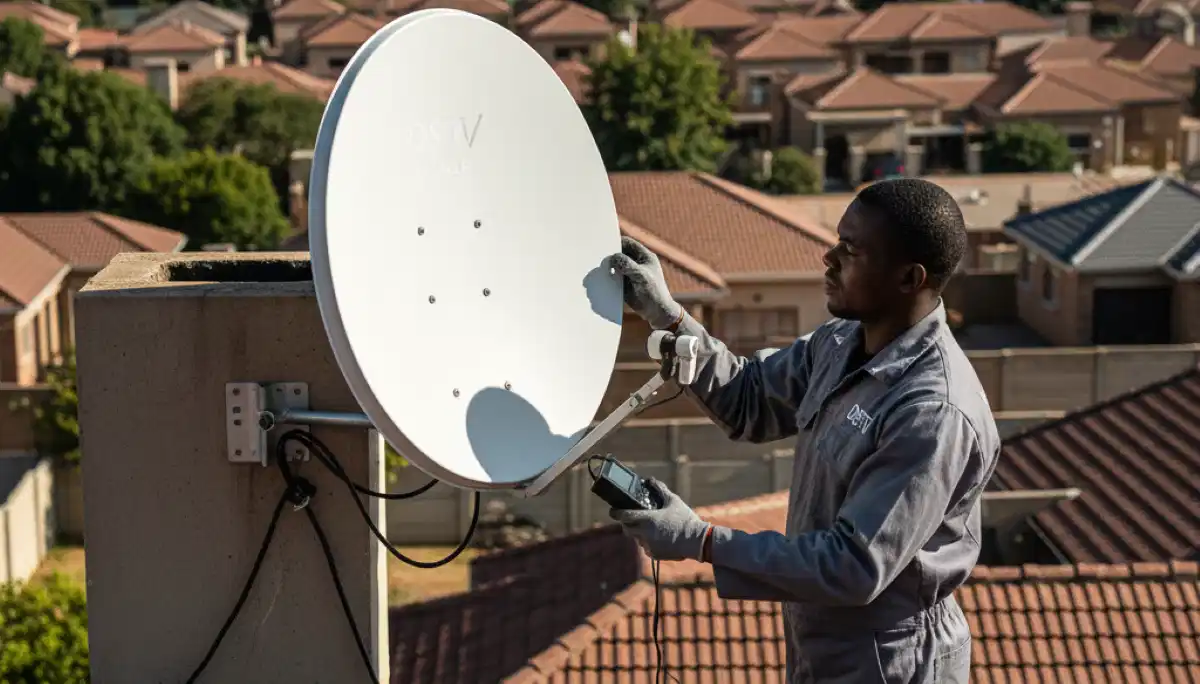
Precision dish alignment – often needed after storms or accidental bumps
Problem #2: Pixelation and Freezing (The Digital Headache)
Your picture breaks into annoying blocks or freezes at critical moments. This intermittent problem is especially common during rainy seasons in Gauteng and affects thousands of households in areas like Midstream and Irene.
What Causes Pixelation?
- Partial obstruction – tree branches swaying in wind, new construction
- Poorly shielded cables – picking up interference from electrical sources
- Marginal signal strength – dips below threshold during weather changes
- Corroded connectors – moisture damage at connection points
- Overloaded multiswitch – in complex Extra View installations
DIY Fixes to Try
- Check signal metrics: Note both strength AND quality percentages. Quality below 60% will cause pixelation.
- Inspect cable condition: Look for cracks, corrosion, or damage along the entire run.
- Remove temporary obstructions: Clear branches, decorations, or debris that may have appeared.
- Isolate the issue: Does it affect all decoders or just one? This helps identify the problem source.
- Tighten all connectors: Even slightly loose F-connectors can cause intermittent pixelation.
💡 Pro Tip: Signal Quality vs Strength
Signal quality is more important than signal strength! Quality below 60% will cause pixelation even if strength shows 80%. Quality measures how clean the signal is – think of it like static on a radio station. Our technicians use professional meters to optimize both.
When to Call Us for Pixelation
If pixelation occurs daily or during clear weather, you likely need professional intervention. Our professional satellite dish installation service ensures optimal signal even during heavy rains. We also replace outdated LNBs and cables with weather-resistant solutions.
Problem #3: Signal Loss During Bad Weather (Rain Fade)
“Why does my DStv always die when it rains?” This is one of our most frequently asked questions. Technically called “rain fade,” this problem affects satellite TV worldwide but is particularly noticeable during Gauteng’s summer thunderstorms.
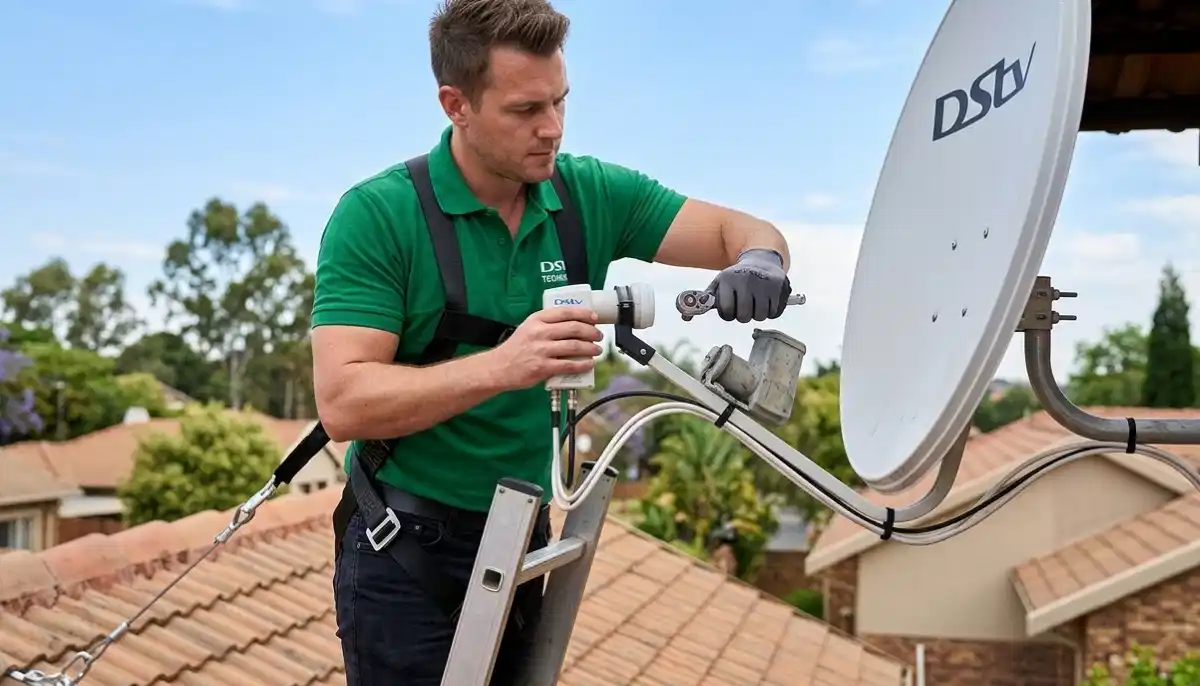
LNB replacement often solves persistent weather-related signal loss
What Causes Rain Fade?
- Water absorption: Raindrops actually absorb satellite signals (2.4GHz frequency)
- Marginal signal setup: If your signal is already borderline, rain pushes it over the edge
- Dish size too small: 60cm dishes are more susceptible than 80cm
- Water on LNB: Moisture on the LNB face can scatter signals
- Tree movement: Wet branches droop lower, creating new obstructions
DIY Solutions
- Check your baseline signal: Note your signal quality on clear days. If it’s below 70%, rain will cause problems.
- Ensure LNB is dry: Carefully (from ground) check if water is pooling on the LNB face.
- Trim problematic branches: If trees are the issue, professional trimming may help.
- Consider dish upgrade: 80cm dishes provide 2-3dB more signal – significant for rain margin.
Our correct dish alignment and installation service can significantly improve your rain margin. We’ve helped hundreds of Centurion DStv installers clients achieve year-round reliability.
📊 Rain Fade Facts
- Heavy rain (25mm/hour) can reduce signal by 2-3dB – enough to push marginal signals below threshold
- 80cm dishes collect 78% more signal than 60cm dishes – a massive difference in rain
- Proper alignment adds 1-2dB of margin – often the difference between “works” and “doesn’t work in rain”
When Professional Help Is Needed
If you lose signal every time it rains, your system needs optimization. Our technicians use spectrum analyzers to find the absolute peak alignment – adding precious dB of rain margin. Contact our team today for a system assessment.
Problem #4: Missing Channels (Intermittent or Complete Absence)
Some channels work, others don’t. Or channels that worked yesterday are gone today. This frustrating problem has several possible causes.
Damaged cables often cause missing channels – replacement is the only fix
What Causes Missing Channels?
- Subscription issues: Expired payment, package downgrade affecting certain channels
- Wrong LNB type: Universal LNB needed for all DStv channels
- Cable frequency roll-off: Old or poor-quality cables lose high frequencies
- Multiswitch failure: In multi-room setups, one output may fail
- Channel frequency changes: DStv occasionally updates – rescan needed
DIY Fixes to Try
- Check your subscription: Log into your DStv account or call MultiChoice to verify package.
- Rescan channels: Menu > Settings > Channels > Channel Scan. This often fixes missing channels after updates.
- Check specific transponders: If some frequencies work and others don’t, it’s likely a cable/LNB issue.
- Test different decoders: If you have multiple, see if the same channels are missing on all.
For persistent missing channels, you may need HD decoder installation and setup review or OpenView installation services as an alternative.
Problem #5: Audio but No Video (or Vice Versa)
You can hear the show but see a black screen – or have picture with no sound. This is often misdiagnosed as a signal problem when it’s usually something else.
What Causes This?
- HDMI cable issues: Loose connection, faulty cable, or incompatible version
- TV input settings: Wrong HDMI input selected or audio output misconfigured
- Decoder output settings: Resolution mismatch with TV
- HDCP handshake failure: Copy protection handshake failing between devices
- Specific channel issues: Some channels have technical problems temporarily
DIY Fixes to Try
- Check HDMI connection: Unplug and resecure both ends. Try a different HDMI cable if available.
- Test different inputs: Try a different HDMI port on your TV, or use composite cables (yellow/red/white) as a test.
- Check TV settings: Ensure correct input selected, audio not muted, sound output set correctly.
- Reset decoder output: Hold down the “OK” button on the decoder while restarting – this resets to default display.
- Test different channels: If only one channel has issues, it’s likely a broadcast problem.
If HDMI issues persist, our HDMI signal extension solutions can help with longer runs or problematic connections. For complete entertainment setups, we also offer surround sound system setup and professional TV mounting services.
Expert Troubleshooting: When to Call DSTV Installers Centurion
While we encourage simple troubleshooting, there comes a point when professional expertise is essential. Here’s when to call us:
Persistent Problems
Issues that keep returning after DIY fixes need professional diagnosis.
Low Signal Quality
If quality stays below 60% after all efforts, alignment is needed.
Complex Setups
Multi-room, communal, or commercial systems need expert care.
Safety Concerns
Roof work, high installations – leave to professionals with safety gear.
Time-Sensitive
Can’t miss the big match? Our same-day service gets you back fast.
You’re Unsure
If in doubt, call us. Free phone advice available – no obligation.
At DSTV Installers Centurion, we bring more than just tools to your home:
- Specialized signal meters that detect issues invisible to decoders
- Safety equipment for working at heights (fully insured)
- Access to commercial-grade components with extended warranties
- Knowledge of Centurion-specific signal challenges in every suburb
- Experience with complex multi-decoder installations
Areas We Serve for Signal Repairs
Our technicians cover all these areas with the same 45-minute emergency response:
Centurion Suburbs
Johannesburg Region
Frequently Asked Questions
This is usually caused by loose cables, dish misalignment, LNB failure, or temporary software glitches. Try our step-by-step E48-32 fix guide first. If that doesn’t work, you may need professional signal repair service.
Rain fade occurs when heavy rain absorbs satellite signals. This is normal but can be minimized with proper correct satellite dish placement and larger dishes (80cm instead of 60cm). If you lose signal in every rain, your system needs optimization.
Go to Menu > Settings > Signal Strength. Look for both strength and quality percentages. Quality below 60% will cause problems. For detailed guidance, see our dish placement guide.
Signal strength 70%+ is good, but quality matters more. Quality should be 70%+ for reliable reception. Anything below 60% will likely pixelate. Our technicians aim for 85%+ on both.
We recommend professional inspection every 2 years. However, if you experience frequent signal issues or live in an area with extreme weather, annual maintenance is advisable. Check our DStv installation requirements guide for preparation tips.
While technically possible, professional installation is strongly recommended. Precise alignment is critical – being off by just 2 degrees can result in no signal. Our how to install DStv properly guide explains the complexity. We use specialized equipment to ensure perfect alignment.
Yes! We offer same-day service for most Centurion and Pretoria East areas. Emergency signal repairs have 45-minute response. Request a free quote or call 074 242 3922 for immediate assistance.
Signal strength is how much signal is reaching your decoder – think of it as volume. Signal quality is how clean that signal is – think of it as static level. Quality matters more! You can have 90% strength but 40% quality and get pixelation. Our experienced DStv technicians optimize both.
Related Resources
Satellite Dish Placement Guide
Optimal positioning for maximum signal.
How to Install DStv
Complete installation guide.
Installation Requirements
Prepare for your installation.
Extra View Setup Guide
Multi-room installation explained.
Best DStv Installers
Find trusted local professionals.
Installation Costs
Complete South Africa price guide.
Ready for Perfect Signal, Rain or Shine?
Don’t let signal problems ruin your viewing experience. Our Centurion-based team offers same-day service with transparent pricing and 12-month warranties. We serve Centurion, Pretoria East, Midstream, Irene, and all surrounding areas.
R250 call-out fee (credited to repair) | 12-month warranty | Same-day service available | Areas we service
Part of the ServiceLink SA trusted technician network – verified, insured, and guaranteed.